
To submit a project request, users can create or log in to their Stratocore account using the link provided below. Please note a document is also included below with step-by-step instructions on how to create a Stratocore account.
User Account Creation - My PPMS
Project Request - Request Form
Help Guide - Biostatistics New User Onboarding SOP
Browse to https://ppms.us/uhn/areq/?pf=10.
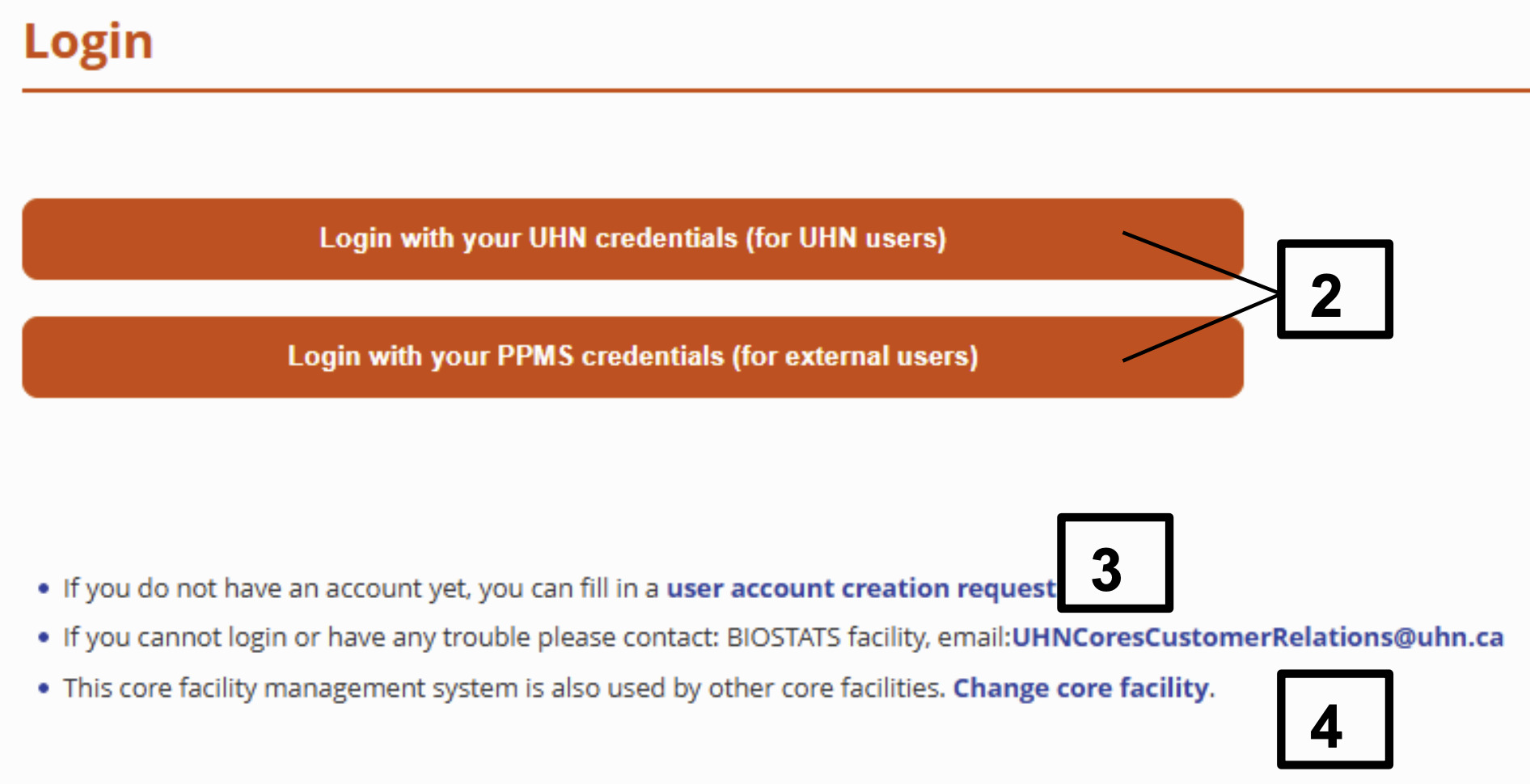
If you already have login credentials, then login with your UHN credentials or PPMS credentials.
If you do not have any login credentials, fill in a user account creation request. Approval will be granted within 24-48 hours.
If you have trouble logging in, contact UHNCoresCustomerRelations@uhn.ca.
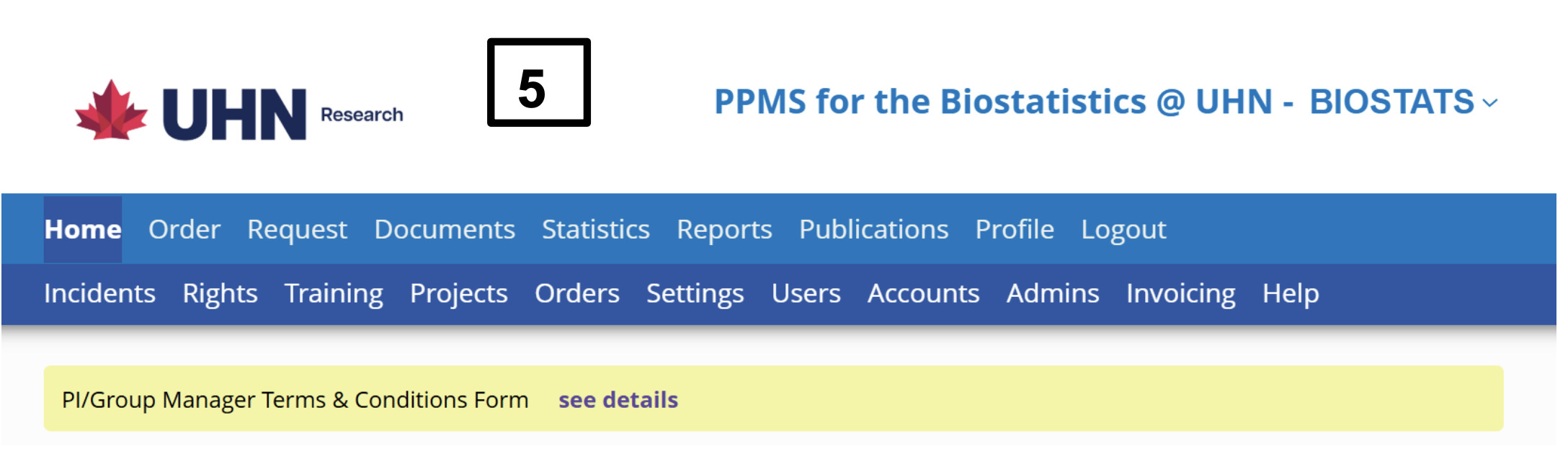
FOR NEW USERS ONLY: Once logged in, review homepage announcements located at the top of the page.
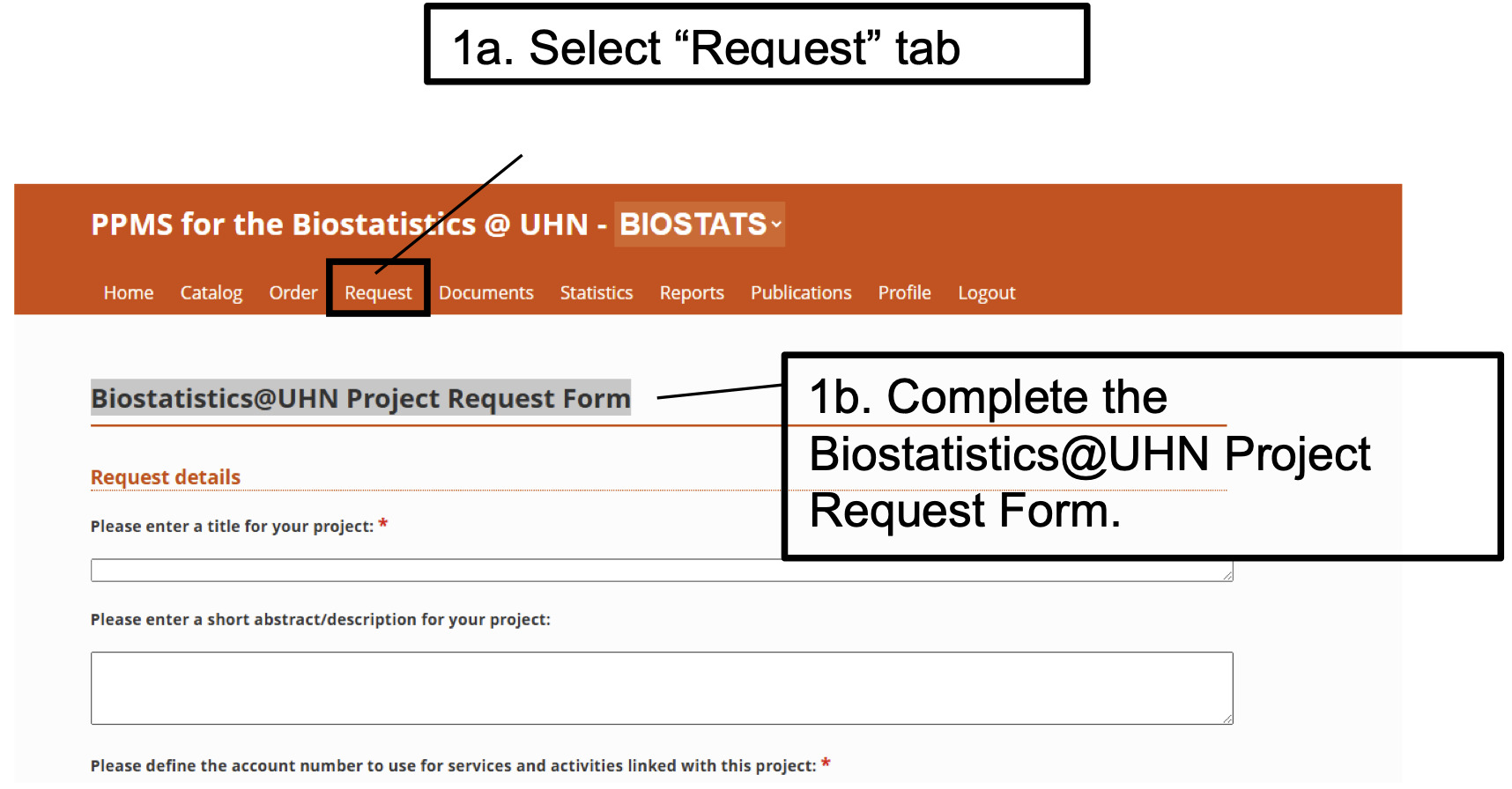
To submit a project request, select “Request”, then fill in the form titled “Biostatistics@UHN Project Request Form”.
Once the form is submitted, an administrator processes your request by either adding you to a project or creating a new Biostatistics project.